

Class actions
A class action is an action component that is always related to a specific class and they are always activated from the search or details window of that specific class. There are many choices for a class action component and the full list can be found in the reference at the end of this page.
Creating a class action
Class actions can be created in multiple ways. The first method is by navigating to the class that you want to create the action for, go to the tab 'Actions' and click on 'Add'. Make sure to set all required parameters and preferences.
The second method is by navigating to the 'Actions' page and clicking on 'Add'. Again, make sure to set all required parameters and preferences and make sure to select the class before saving.
The example will show the steps using the first method:
E.g.: you want to send emails to a group of persons
- Select the tab 'Actions' in the class 'person'
- Add an action and give the action the name 'Email'
- Select the type, in this case: Outgoing email
- Click "edit parameters" to set parameters, click "ok" when done
- Check the property 'At search results' to enable the email action to be executed from a search result window
- Save your action
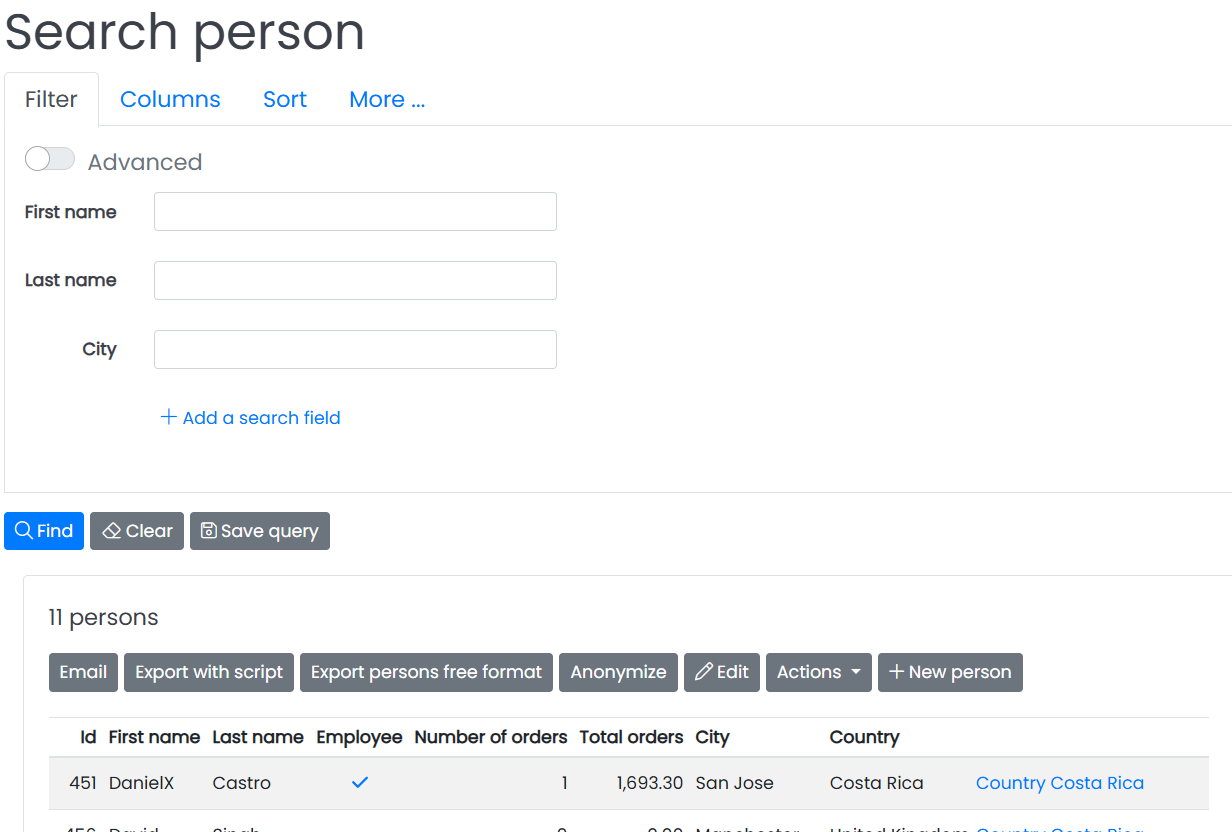
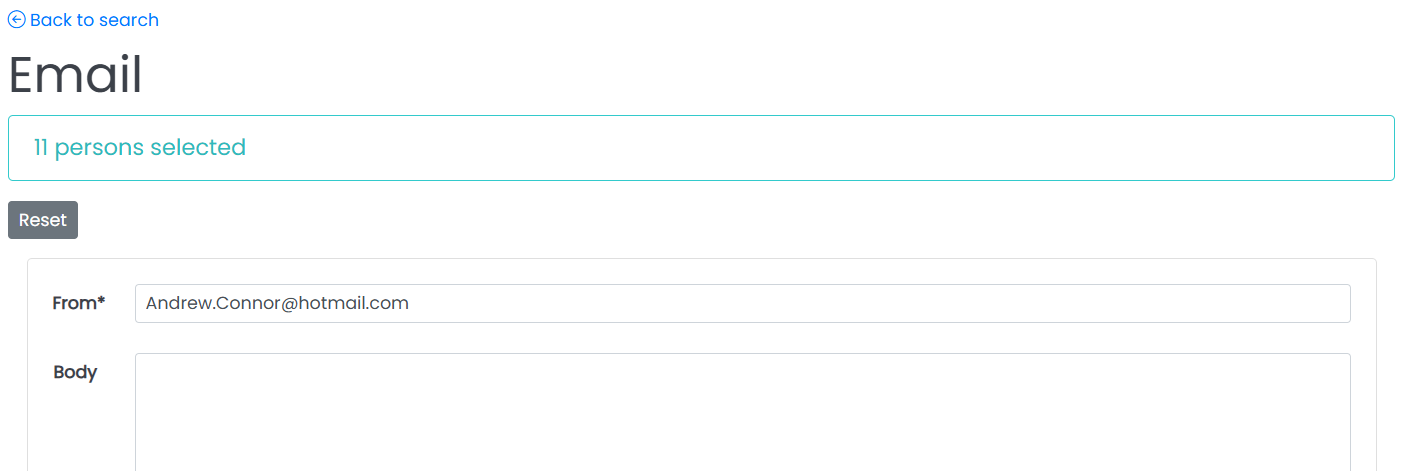
Now, in your application you'll find an extra button "Email" above the selected persons. Below, the first image shows you the 'Email' button in the search screen. The image below it shows how the form looks like.
After selecting one or more persons and clicking the email button you can enter the body of the email. See example below.
When you check the property 'At details' the email button will also appear in the details screen of the person.
Action permissions
Actions are allowed for super user groups by default. For other user groups it is necessary to allow the action by using action permissions.
Action permissions are inherited just like class and field permissions.
The value of the permission can be selected or scripted. When scripting the value, be aware that returning 'Yes' means the permission script is not evaluated for separate records. If it is necessary to evaluate the script per record, return 'undefined' if no record is available in the script.
If an action is not permitted, it is also not visible. To show the action as a disabled button return the value 'disabled' in the permission script. For example:
#if(!$record)
    #set($return = 'undefined')
#elseif($record.get('Disable action') == true)
    #set($return = 'disabled')
#end
List of class actions
The following class actions are available:
#helperTypes("Class action")